Streamlining Your Experience: Enhanced Billing & Digital Document Gathering
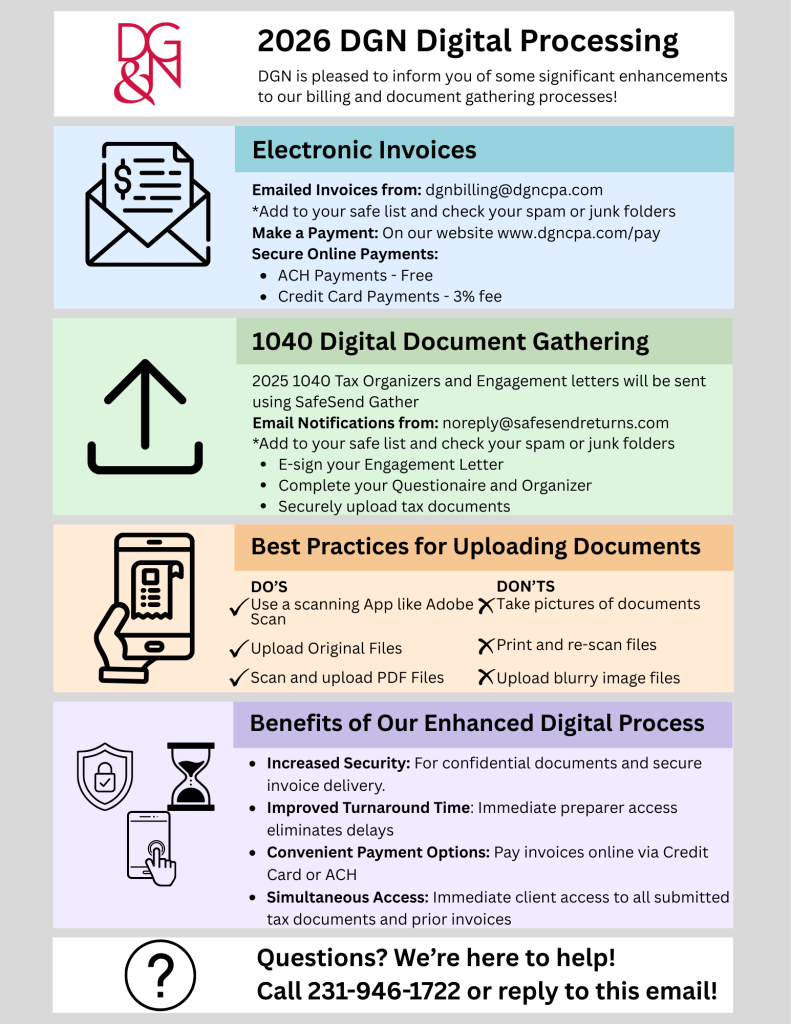
DGN is excited to announce significant enhancements to how we manage billing and document collection. These updates are designed to provide you with a more secure, efficient, and user-friendly experience as we head into the new tax season.
1. New Electronic Invoicing
We are transitioning to a fully digital billing system. Moving forward, all invoices will be delivered electronically to your inbox.
Email Source: Invoices will arrive from [email protected]. Please add this to your “Safe Senders” list.
Secure Online Payments: Our new platform allows you to pay your balance in seconds.
Payment Methods:
ACH (Bank Transfer): Fast and free of charge.
Credit Card: Subject to a 3% processing fee.
2. Digital Document Gathering with SafeSend
Your 2025 Tax Organizer and Engagement Letter will now be delivered via SafeSend Gather, a premier platform for secure document exchange.
Look for the Email: You will receive a notification from [email protected].
Desktop Access: For the best experience, please use Google Chrome, Edge, or Firefox on a desktop computer. Save the initial email to access your portal in the future.
Key Features:
E-Sign: Sign your Engagement Letter and required forms digitally.
Interactive Organizer: Complete your questionnaire and organizer online.
Document Checklist: Upload source documents directly against a checklist. (A green checkmark indicates a successful upload!)
Progress Tracking: Click “Finish” as you complete sections. Once all documents are uploaded, click “Finish” a final time to notify your Tax Professional.
Need a hand? Watch this short step-by-step tutorial video to see the SafeSend Gather experience in action.
Best Practices for Uploading Documents
To help our team process your information quickly and accurately, please follow these tips:
Use a Scanning App: Please do not take standard photos with your phone camera. Use a free app like Adobe Scan to automatically crop and enhance the image.
Prefer PDF: Save and upload documents as .pdf files whenever possible.
Ensure Legibility: Scan on a flat, well-lit surface to avoid shadows or glare.
Original Digital Files: If you have an original PDF (e.g., from a brokerage or employer), upload that file directly. Do not print and scan it.